Book a Test Drive
You can download fully functional trials of all add-ins we offer to “try before you buy” and see just how much these add-ins will increase your MindManager® experience.
Trials from Olympic Downloads last between 14 – 30 days depending on the add-in and can be unlocked with a purchased license key.
Olympic Downloads
The Olympic downloads below are those currently fully supported by Olympic for all versions of MindManager listed. Where possible these add-ins will be updated when each new version of MindManager is released.
Check Your MindManager Version BEFORE Installing
Before downloading your add-in ensure you know which version of MindManager you have installed & which bit version it is, 32/64.
You can check this by selecting File->Help within MindManager & reading the displayed version details.
More information about this situation can be found in this article.
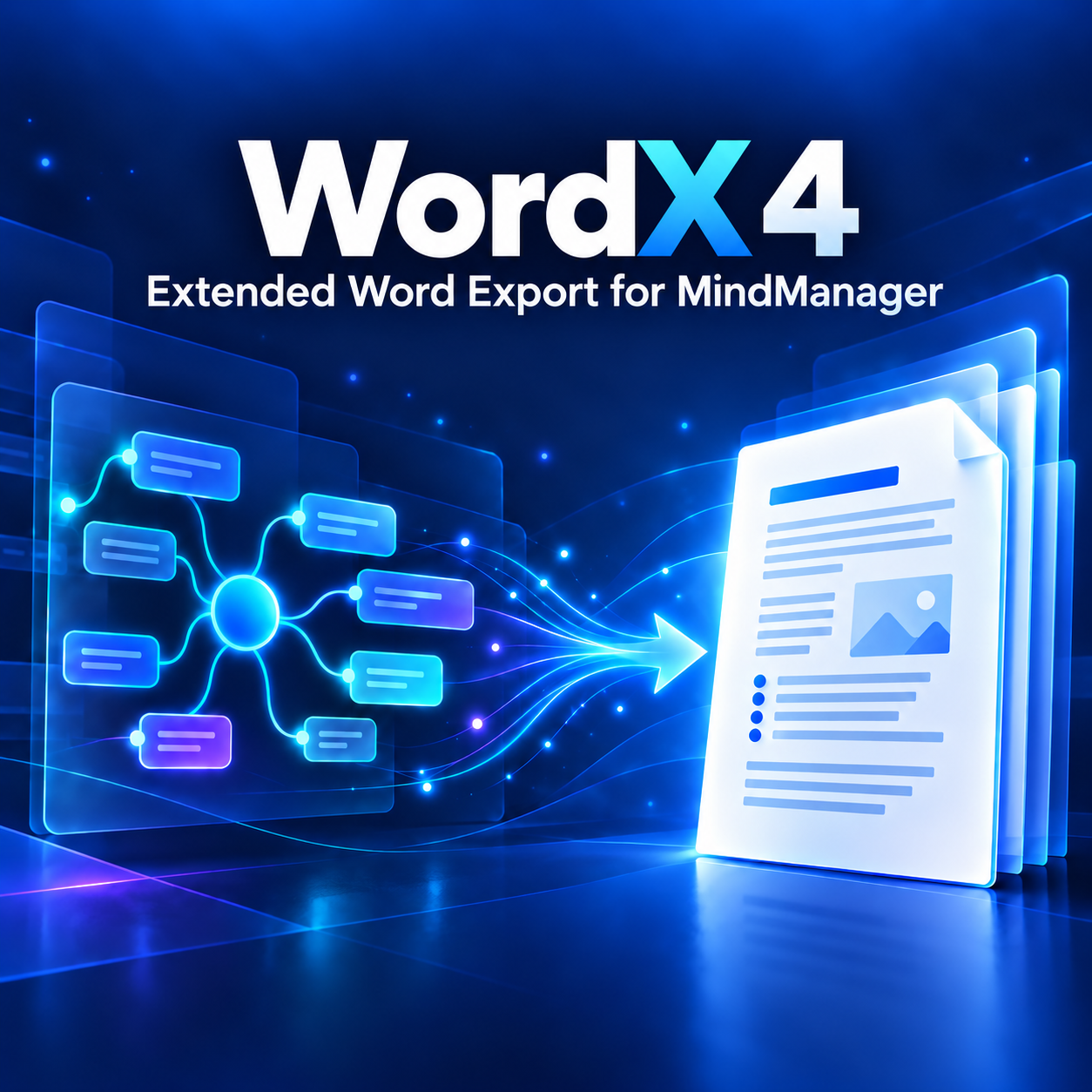
WordX 4 Now Available!
We are pleased to announce the New WordX 4 for MindManager. This new version includes many improvements over the previous edition and is now available to download and purchase.
WordX 4 is compatible with the desktop version of MindManager 23, MindManager 24, MindManager 25 and the latest MindManager 26.


You can download App Studio for MindManager, (Windows version only), using the links provided below.
Select the tab corresponding to your installed version of MindManager for Windows making sure you select the matching bit version for MindManager.
Select from the links below to download App Studio for the version of MindManager you are using. Please note that the bit version for App Studio MUST match that of MindManager. You can check this by selecting “File->Help” within MindManager and the bit version will be displayed in the right-hand window.
App Studio for MindManager 21 (32 Bit Version)
App Studio for MindManager 21 (64 Bit Version)
Select from the links below to download App Studio for the version of MindManager you are using. Please note that the bit version for App Studio MUST match that of MindManager. You can check this by selecting “File->Help” within MindManager and the bit version will be displayed in the right-hand window.
App Studio for MindManager 22 (32 Bit Version)
App Studio for MindManager 22 (64 Bit Version)
Select from the links below to download App Studio for the version of MindManager you are using. Please note that the bit version for App Studio MUST match that of MindManager. You can check this by selecting “File->Help” within MindManager and the bit version will be displayed in the right-hand window.
App Studio for MindManager 23 (32 Bit Version)
App Studio for MindManager 23 (64 Bit Version)
There is no App Studio download for MindManager 24/25/26. MindManager 24/25/26 already comes with App Studio already built-in although it is called “MindManager Apps”.
You can find it in the Advanced Ribbon Menu within MindManager 24/25/26. See image below.

Legacy Downloads
The add-ins below are classified as “legacy” and are no longer maintained or supported. We try to update these add-ins for each new release of MindManager but cannot guarantee that will happen. These add-ins are no longer available to purchase and are provided for users who already have license keys.
Note: MindManager 2020 will be the last MindManager version these legacy addins will be updated for unless otherwise stated.

Version 3.4
Existing users
MindManager 2012, Mindjet 11, MindManager 14, MindManager 15, MindManager 2016
Version 3.8
MindManager 2020
MindManager 2020
Version 3.7
MindManager 2017/2018/2019
MindManager 2017/2018/2019

